
SaaS and app landing page templates
Landing page templates for SaaS products and apps, generated by AI. Show your features, how it works and reviews, and get free trial sign-ups.
1 template
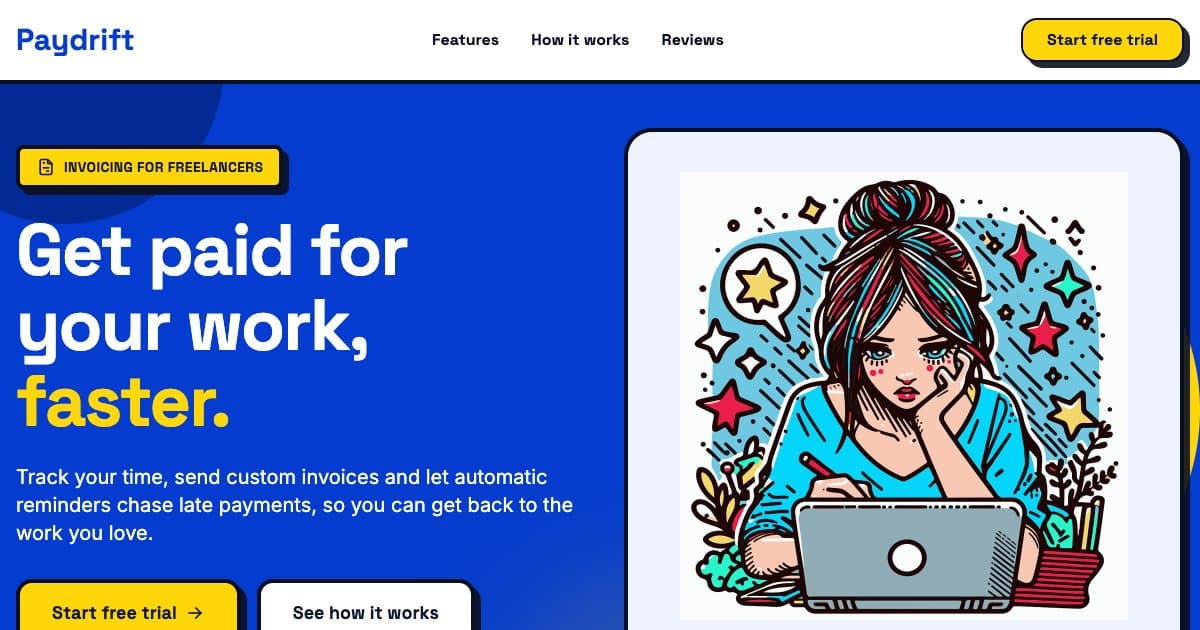
How to make a SaaS landing page
Say what it does in one line
Who it is for and what it saves them, in the headline. Visitors give a landing page a few seconds.
Show the product
A real screenshot of your app beats an abstract illustration. Upload it in the chat.
Explain how it works in three steps
Sign up, connect, see results. Short steps make a new tool feel easy to start.
Ask for one thing
A free trial, a demo or the waitlist: one call to action, repeated down the page.
Questions
Can I collect waitlist sign-ups?
Yes. A sign-up form sends each address to your email. To add people to a mailing tool such as Mailchimp, point the button at its sign-up form instead.
Can I show the logos of tools we work with?
Yes. Name them in the chat and the AI finds each brand's logo in free logo libraries.
Can I add analytics or a tracking pixel?
Yes. Paste your Google Tag Manager, Google Analytics or Meta Pixel code in the chat and the published page includes it. Visitors from the EU need a cookie consent banner for these, which the page doesn't add yet.