
SaaS landing page template
PromptLanding generated this page in the chat for a sample invoicing app for freelancers that wants more free trial sign-ups. Get your own copy in seconds, then change anything by chatting.
Designed for
- SaaS products with a free trial
- Apps and tools for freelancers
- Solo founders and small software teams
- Products that sell on sign-ups, not sales calls
Key highlights
- Color-block hero
- Feature cards
- Three-step how it works
- Sample invoice card
- Review cards
- Free trial call to action
- Mobile menu
About this SaaS template
People decide on software fast, so this page says what the app does in one line. A royal blue hero carries a chunky headline that ends on one word in yellow, a short line about tracking time, sending invoices and chasing late payments, and two buttons: start a free trial or see how it works. An illustration of a freelancer at a laptop sits in an outlined panel beside it.
Four feature cards follow, one for each job the app does: time tracking, custom invoices, payment reminders and online payments. A blue band then walks through three numbered steps, from tracked hours to a paid invoice, next to a sample invoice marked as paid, so visitors see the result before they sign up.
Three reviews from freelancers sit side by side, as a carousel you can swipe on smaller screens, and a yellow block repeats the free trial offer before a dark footer with links and the support email. Thick dark outlines, solid offset shadows that shift on hover, Space Grotesk headlines and royal blue with bright yellow give it the Bold Studio look, which makes a small product feel confident.
There is no sign-up system to set up: every "Start free trial" button links to your app's own sign-up page. Send that link in the chat before you publish, since the sample's buttons don't go anywhere yet, along with your support email, your logo and a screenshot of your product, and swap the three sample reviews for your users' real words.
The description behind this page
PromptLanding generated the sample page from this description and 1 photo. Write yours the same way to build a page from scratch.
A page to promote Paydrift, an invoicing app for freelancers.
Main goal: free trial and sign-up. The "Start free trial" buttons link to # until the app's sign-up page is ready.
Key features: time tracker, custom invoices, payment reminders and online payments, so clients pay by card or bank transfer straight from the invoice.
Reviews: "I used to lose a Friday afternoon every month to invoices. Now they take five minutes." (Sofia M., brand designer) "The reminders do the chasing for me. I haven't written an awkward follow-up email since I switched." (Tom W., web developer) "The timer runs while I write, and my hours go straight onto the invoice. Nothing slips through anymore." (Nadia R., freelance copywriter)
Support email: hello@paydrift.example.
Style: Bold Studio, with big color blocks, chunky headings and playful split layouts with an energetic feel. Royal blue #033cce with a bright yellow accent, Space Grotesk headings and Inter body text.
Best use cases
Free trial sign-ups for a SaaS product
Lead with the one problem your product solves, show the features that matter most, and send every button to your sign-up page. Link to it from your launch posts, directory listings and email signature.
Tools for freelancers and small businesses
Invoicing, scheduling, bookkeeping and client portals sell to the same busy people. Ask in the chat to rename the features and steps for your tool, and keep reviews from people who do the same work as your users.
A mobile app
Point the buttons to your App Store and Google Play pages, replace the sample invoice with a screenshot of your app, and turn the three steps into the first three things a new user does.
A waitlist before launch
Not live yet? Ask in the chat to change the buttons to "Join the waitlist" and add a form for email addresses. Sign-ups arrive in your inbox until your app opens its doors.
Getting started
Use this template
Get your own copy of this page in seconds. Signing up is free.
Put in your details
Tell the chat your name, contact details, prices and real reviews, and upload your own photos.
Edit by chatting
Ask for changes in plain words, like the examples below.
Publish
Go live on a free promptlanding.com address, or connect your own domain on the Pro plan.
Make it yours by chatting
After you start, change the page by sending messages like these:
Describe your product
“Our app is a project planner for small agencies. Rewrite the hero and the features for it.”
Show your product
“Use the screenshot I just uploaded instead of the sample invoice.”
Add pricing
“Add a pricing section with three plans: Free, Pro at $12 a month and Team at $29 a month.”
Build a page like this one
Get your own copy of this page, put in your details, then edit it by chat. No design skills needed.
Related templates
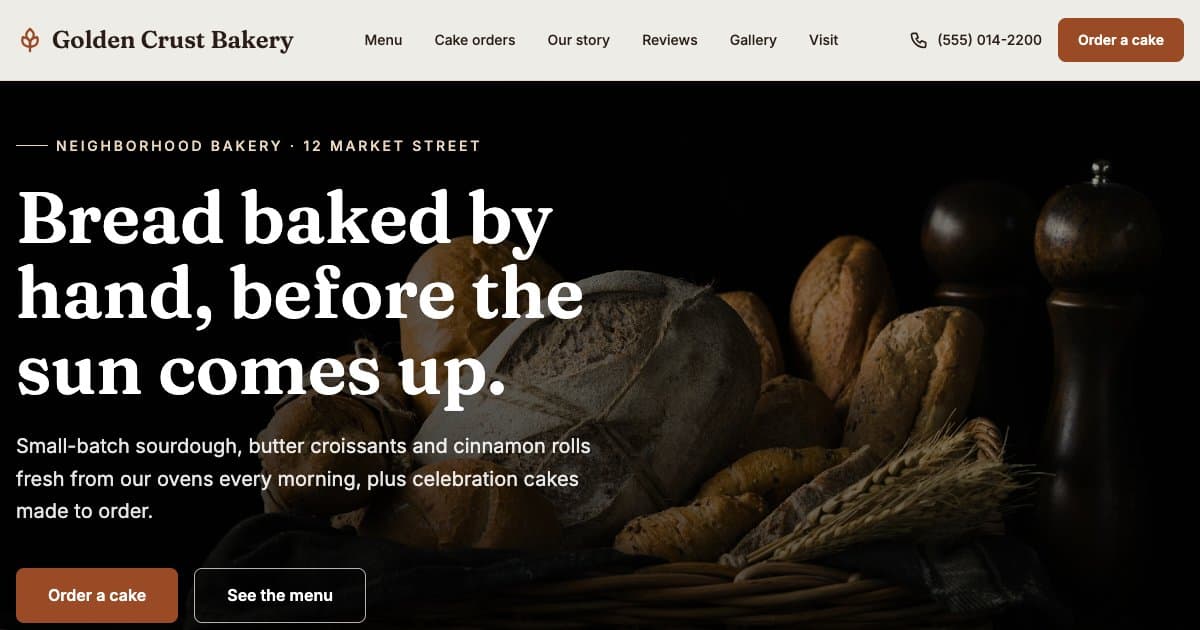
Bakery website template
A free bakery website template with food photos, a menu with prices and a cake order form, generated by AI. Start from it and edit anything by chat.
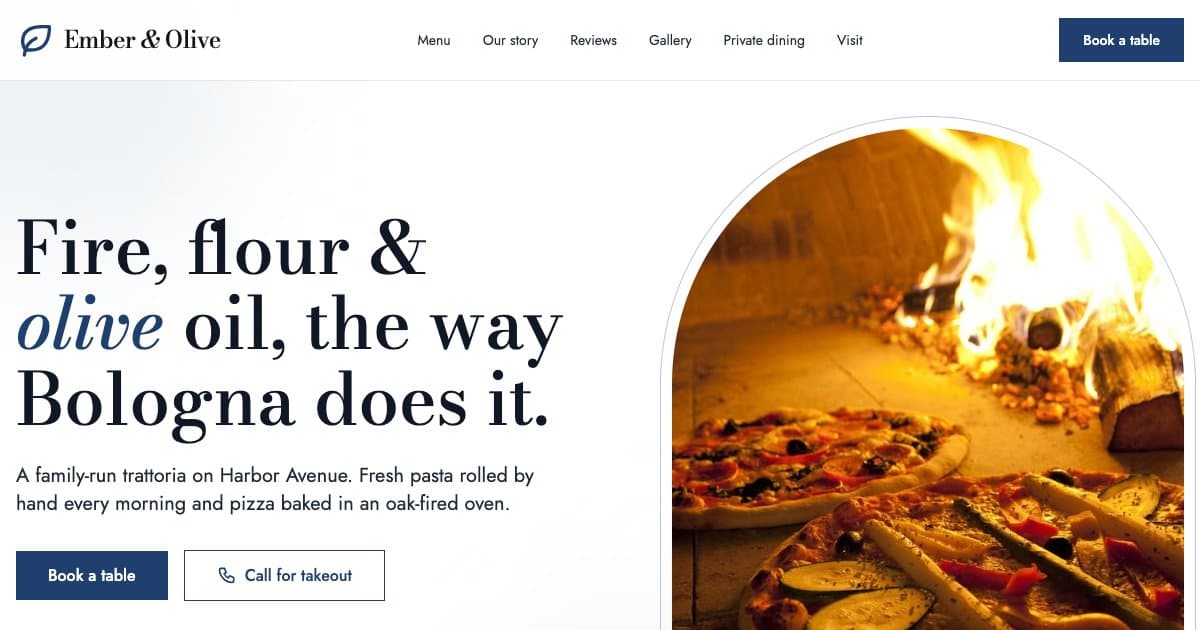
Restaurant website template
A free restaurant website template with a menu and prices, a reservation form, opening hours and directions, generated by AI. Edit anything by chat.
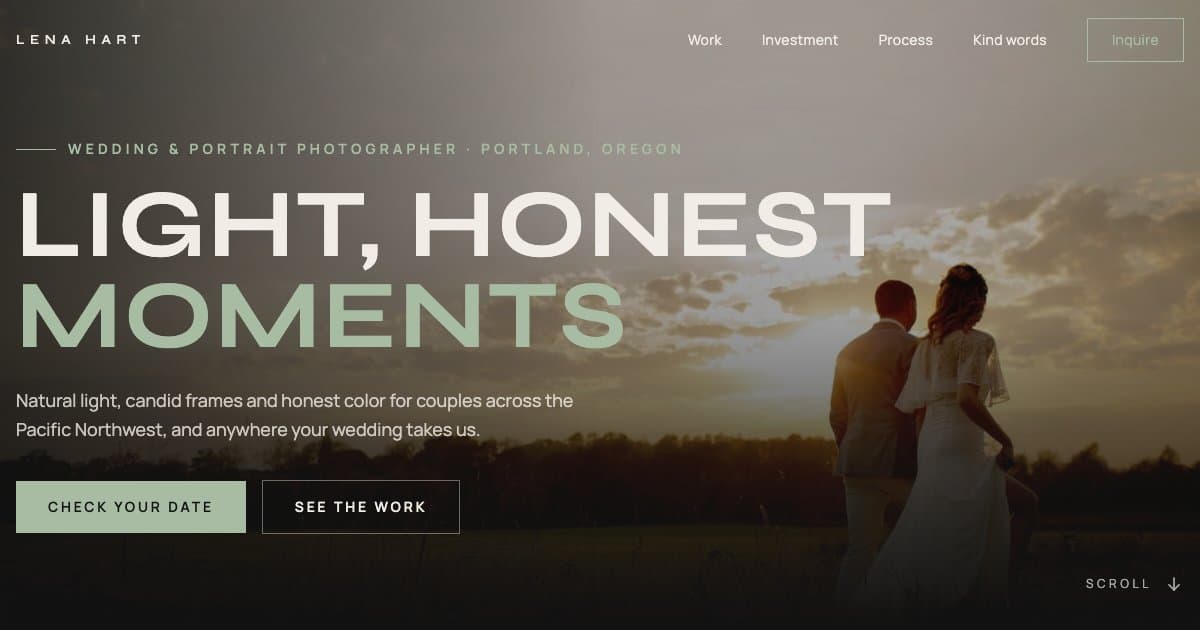
Photographer website template
A free photographer website template with a full-screen hero, portfolio grid, packages with prices and an inquiry form, generated by AI. Edit anything by chat.