
Wedding and event website templates
Website templates for weddings and events, generated by AI. Share the schedule, venue and travel details, and collect RSVPs. Edit anything by chat.
1 template
How to make a wedding website
Start with the date and place
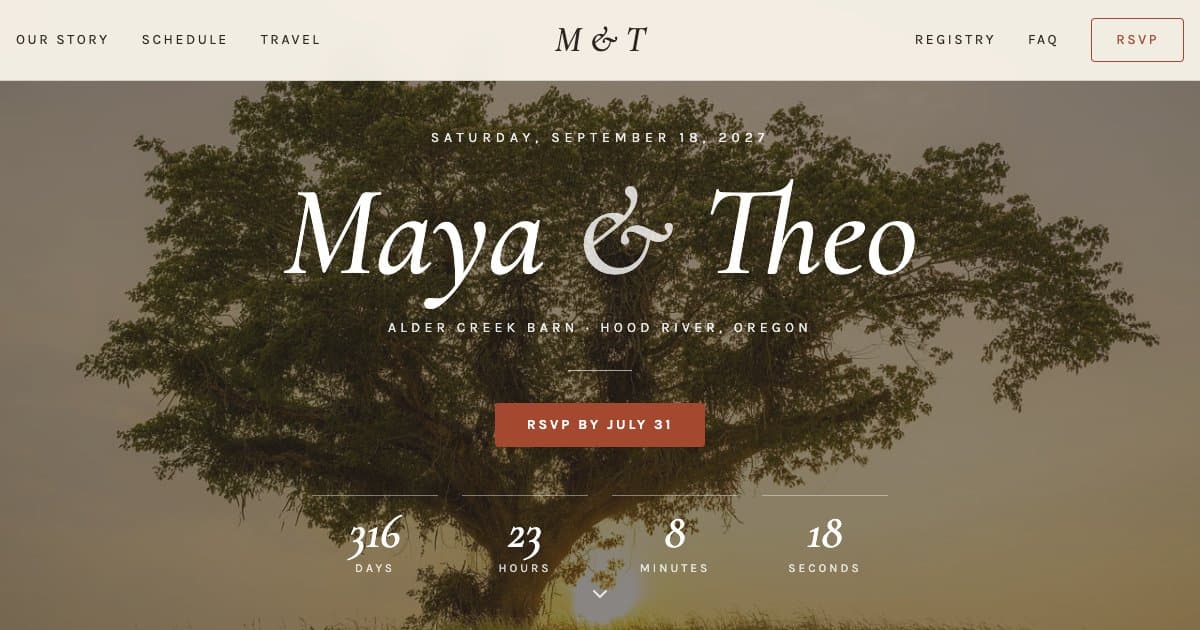
Your names, the date and the city at the top: that is what guests look for first.
Lay out the day
Ceremony, reception and party, each with a time, an address and a directions link.
Help guests travel
Hotels, parking and the way from the airport save you dozens of messages.
Collect RSVPs
An RSVP form with names, meal choice and dietary needs. Each reply arrives in your email.
Questions
Can I keep the page private?
Pages have no password: anyone with the address can open it. Leave out what you would rather not share, such as your home address.
Where do the RSVPs go?
To your email, one message per reply. Name another address in the chat, such as one you share, and they go there.
Can I add our gift registry?
Yes, as buttons that open your registry pages.